
Sell Faster with Boost
Boost places your listing in the Trending carousel on the Home page and Category pages, for as long as you choose, helping more buyers discover it.

Listings get buried, leading to flat performance and missed connections.
Get your product seen by
10x MORE
potential buyers

Boost places your ad at the top of search results and category pages.
How to boost your ad?
01
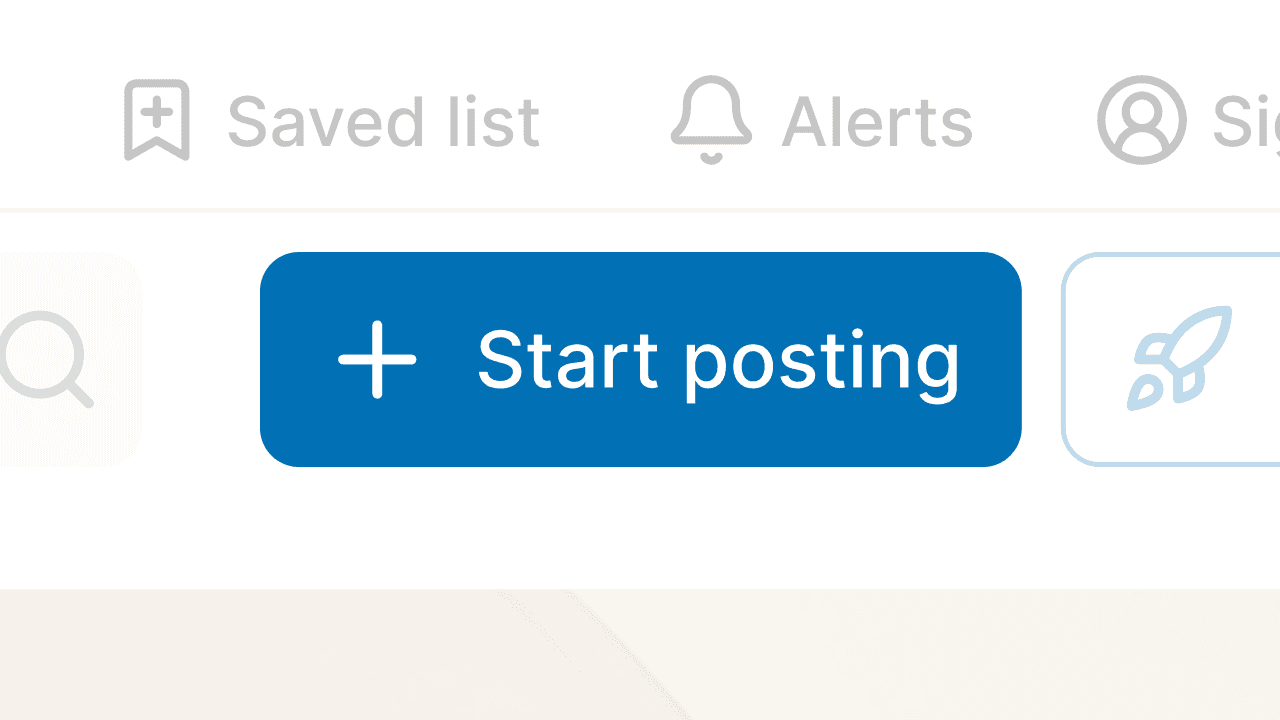
Click the “Start posting” button on the header to add your product to Hamrobazar.
02
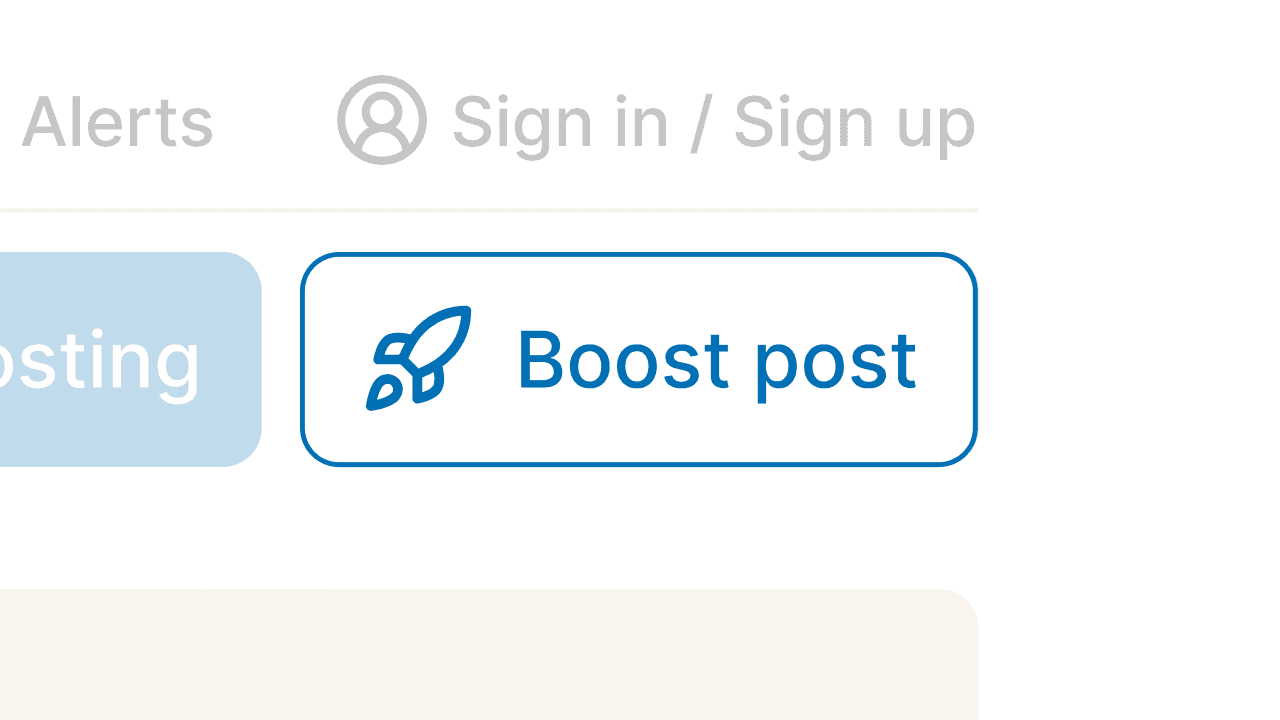
Click the “Boost post” button on the header to boost your post.
03
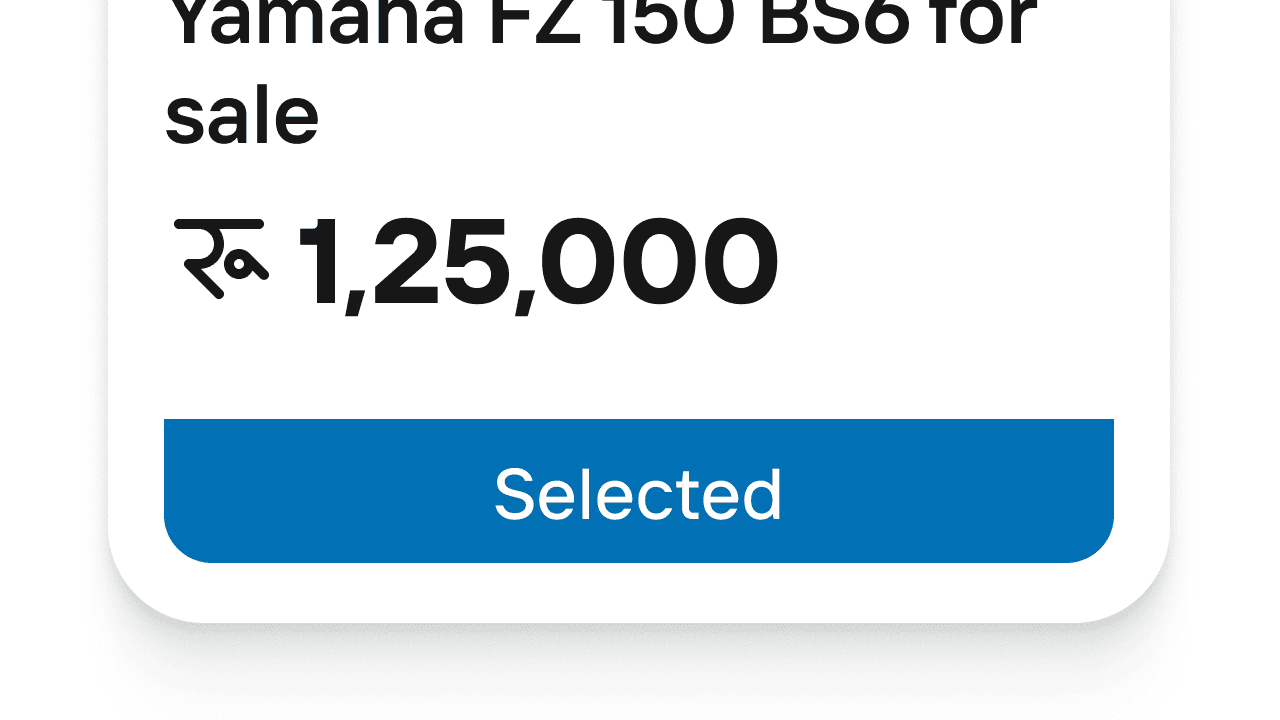
Select the post from your list that you want to boost, then click “Choose post”.
04
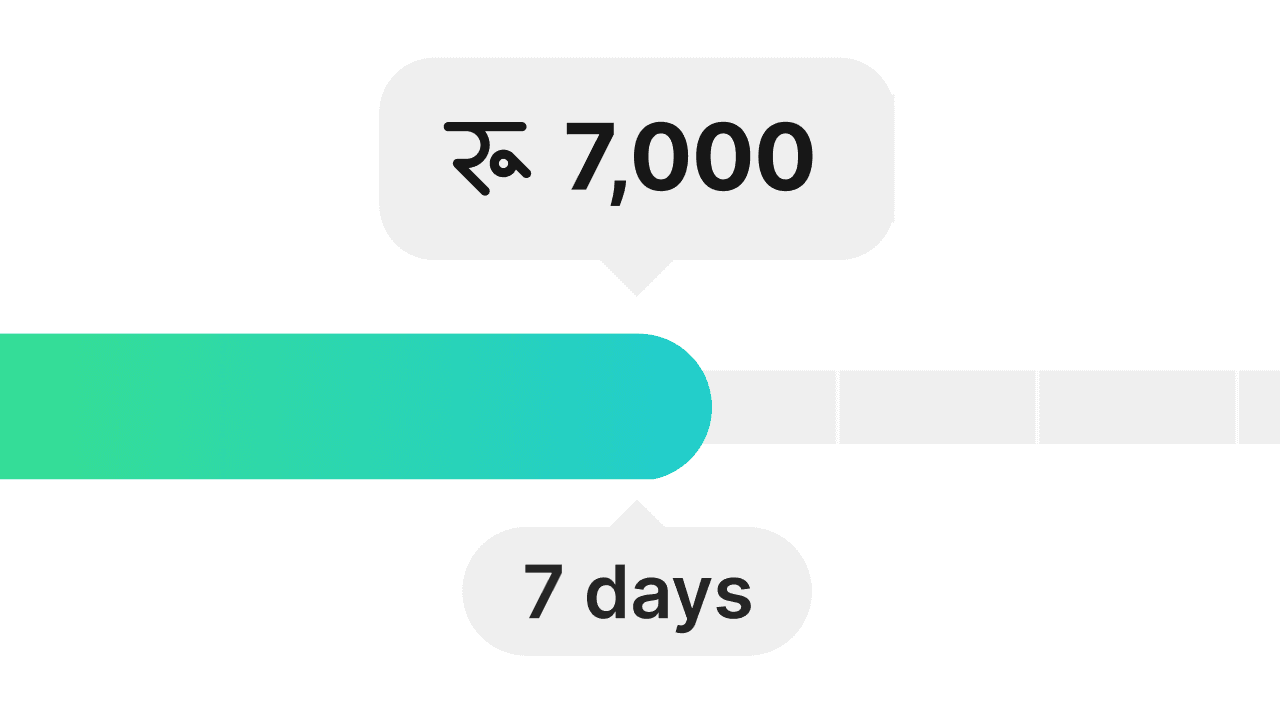
Select the number of days you want to boost your post.
05
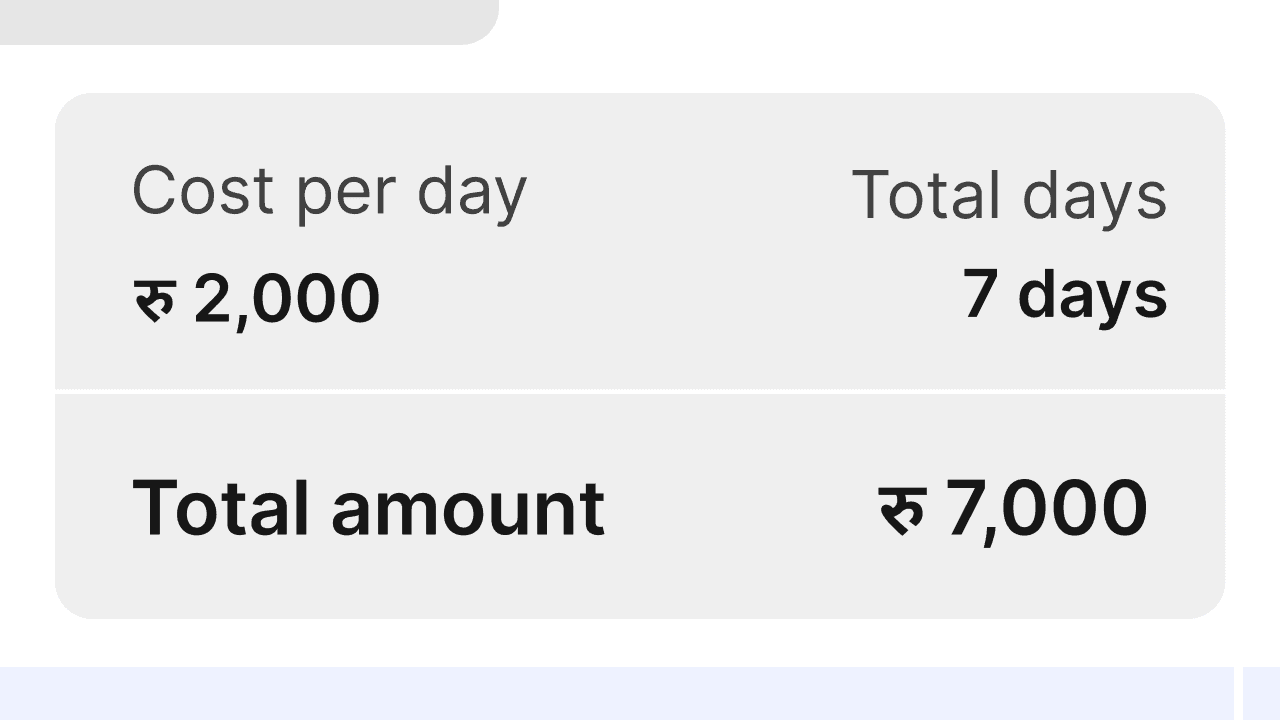
Review your prices and proceed to payment options.
06
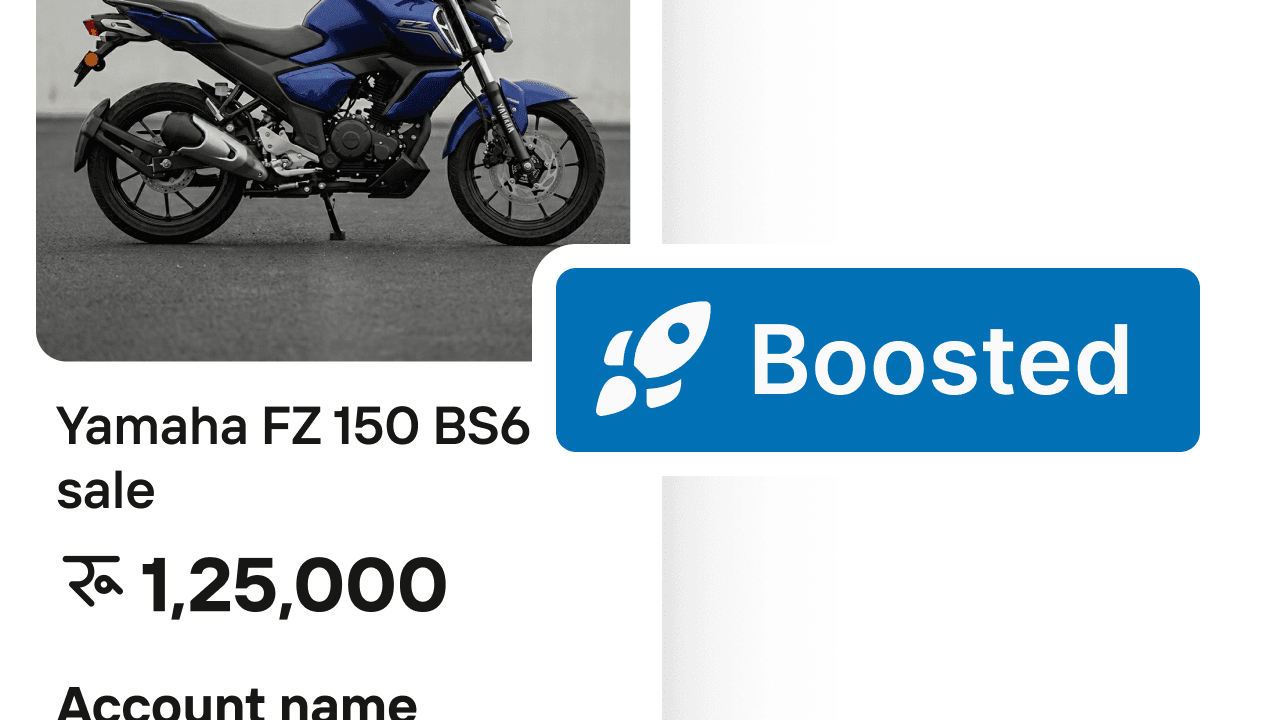
Once your payment is successful, your post will be boosted.
Why Boost?

Additional Views
Increase views for your product by up to 10x.

Premium Placement
Your listing featured in Trending on the Home Page & Category pages.

Flexibility
You decide the boost duration up to 30 days.
Boost pricing by category
Rs. 1,000
/day1 day boost
Real estate
Automobile
Business & Industrial
Rs. 500
/day1 day boost
Mobiles
TV Appliances
Computer
Furnishing
Rs. 200
/day1 day boost
Others
Frequently asked questions
© Hamrobazar Pvt. Ltd. All Rights Reserved.