43 views
9613 ads
4.4
(50 reviews)
Note: We recommend you to physically inspect the product/ Service before making payment. Avoid paying fees or advance payment to sellers.
Learn moreBrother Ql-800 P-touch Labeling Machine Printer
31,500
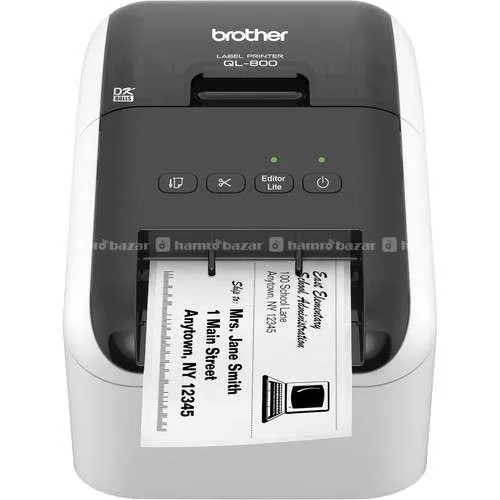
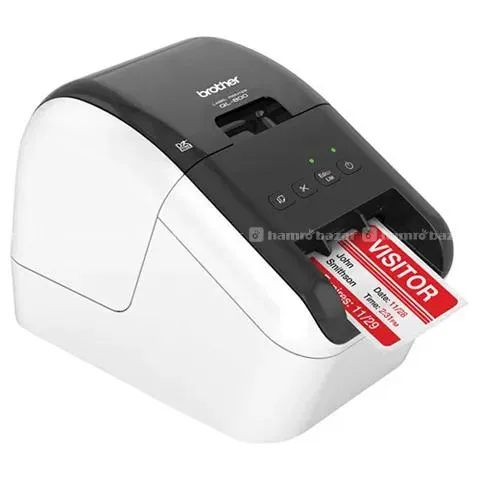
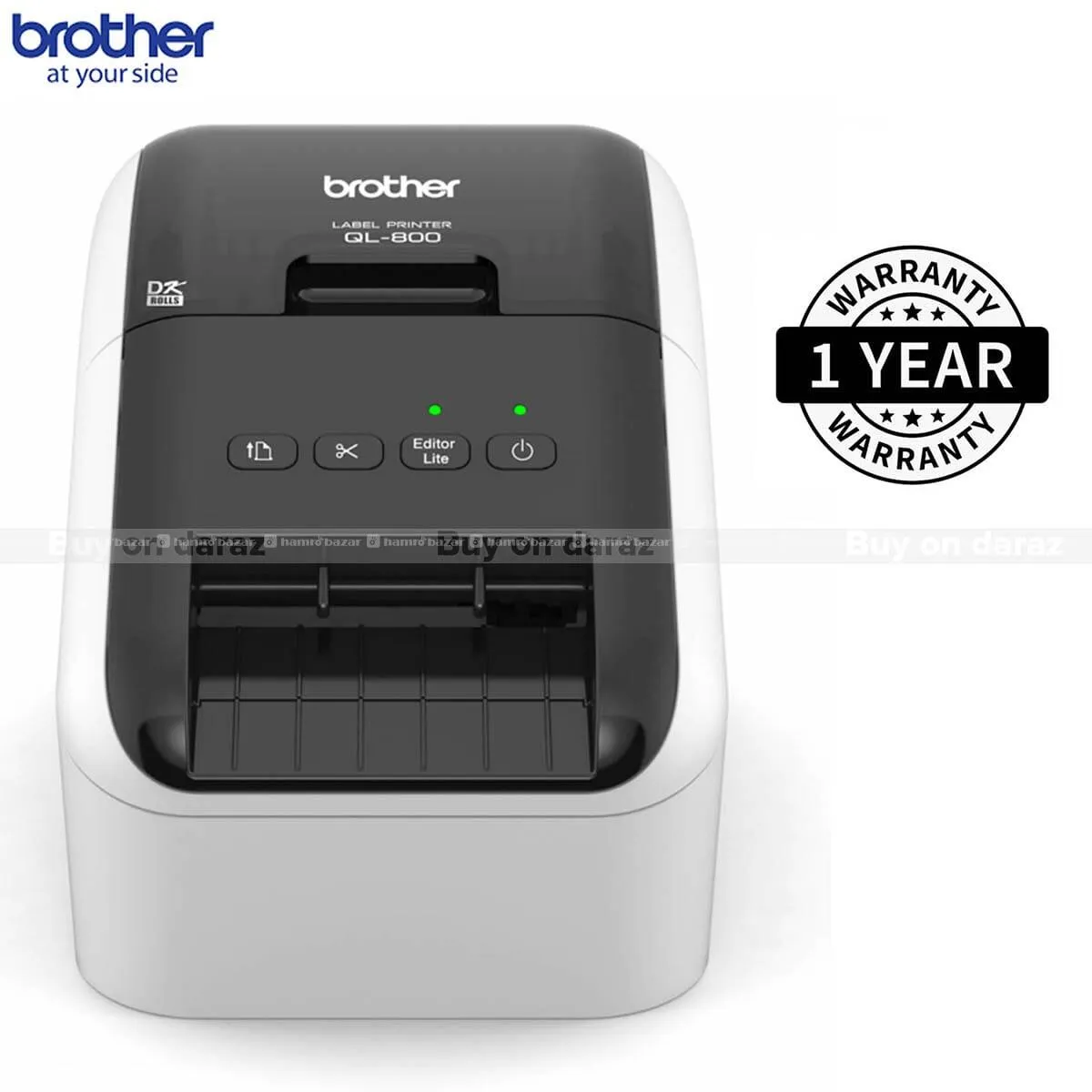
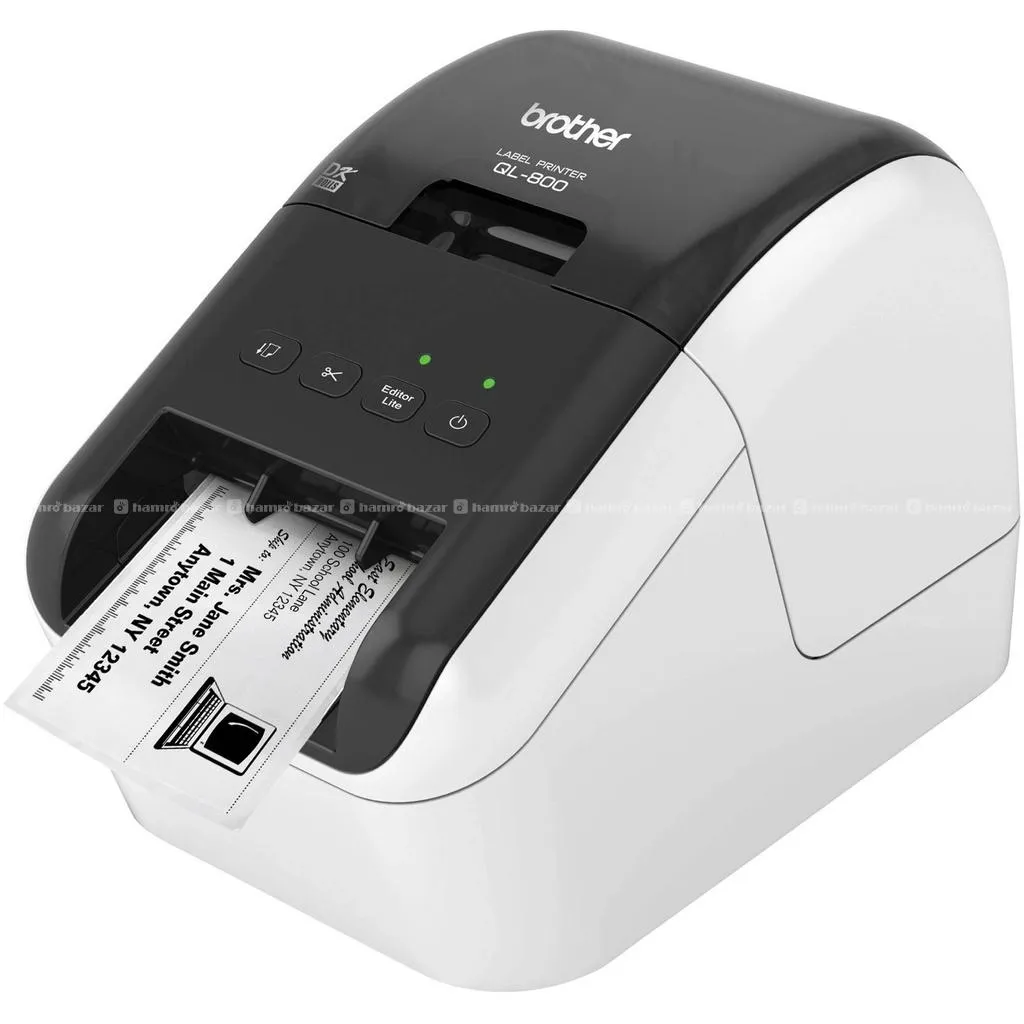
Brother QL-800 P-Touch Labeling Machine
A professional, high-speed label printer helps you quickly tackle labeling tasks in your busy office. Create amazing Black/Red labels using DK-2251 or cost-effective paper labels for packages, envelopes, file folders, name badges, postage, and more. The super-fast, printing of up to 93 standard address labels per minute with black text at 300dpi; help save time on big projects. An auto cutter allows for printing 1 or multiple labels at a time, eliminating
General
AD ID
HB-87A985
Location
रिदम कला सप्लायर्स - Rhythm Kala Suppliers, Kathmandu-22, Kathmandu
Delivery
Available
Ads Posted
2 weeks ago
Ads Expiry
2026-06-20
Specifications
Type
label printer
Features
Brother QL-800 P-Touch Labeling Machine A professional, high-speed label printer helps you quickly tackle labeling tasks in your busy office. Create amazing Black/Red labels using DK-2251 or cost-effective paper labels for packages, envelopes, file folders, name badges, postage, and more. The super-fast, printing of up to 93 standard address labels per minute with black text at 300dpi; help save time on big projects. An auto cutter allows for printing 1 or multiple labels at a time, eliminating wasted label sheets. The "Plug & Label" feature supports quick label printing of most basic labels - no software installation required for Windows® PC. P-touch Editor software for Windows® and Mac® lets you create labels as you desire. Print from Microsoft Word/Excel/Outlook. Uses convenient, Brother genuine DK drop-in labeling supplies. Needs no ink or toner. Key Features - Print amazing Black/Red labels using DK-2251 - Create cost-effective paper labels for packages, envelopes, file folders, name badges, postage, and more. - Convenient, drop-in rolls. No ink or toner needed - Prints Brother genuine DK pre-sized, easy-peel labels, and continuous-length paper and film tapes. Auto cutter enables banners and signs up to 3 ft. long - High-resolution printing (up to 300 x 600 dpi), for crisp text and graphics - "Plug & Label" feature lets you create and print labels without installing software‡ - Compatible with Windows and Mac® and also Integrates with Microsoft Word, Excel, and Outlook - Super-fast, printing up to 93 standard address labels per minute with black text at 300dpi - Label Collection" feature provides beautiful, pre-designed labels and banners with commonly-used text
Used For
Brother QL-800 P-Touch Labeling Machine A professional, high-speed label printer helps you quickly tackle labeling tasks in your busy office. Create amazing Black/Red labels using DK-2251 or cost-effective paper labels for packages, envelopes, file folders, name badges, postage, and more. The super-fast, printing of up to 93 standard address labels per minute with black text at 300dpi; help save time on big projects. An auto cutter allows for printing 1 or multiple labels at a time, eliminating wasted label sheets. The "Plug & Label" feature supports quick label printing of most basic labels - no software installation required for Windows® PC. P-touch Editor software for Windows® and Mac® lets you create labels as you desire. Print from Microsoft Word/Excel/Outlook. Uses convenient, Brother genuine DK drop-in labeling supplies. Needs no ink or toner. Key Features - Print amazing Black/Red labels using DK-2251 - Create cost-effective paper labels for packages, envelopes, file folders, name badges, postage, and more. - Convenient, drop-in rolls. No ink or toner needed - Prints Brother genuine DK pre-sized, easy-peel labels, and continuous-length paper and film tapes. Auto cutter enables banners and signs up to 3 ft. long - High-resolution printing (up to 300 x 600 dpi), for crisp text and graphics - "Plug & Label" feature lets you create and print labels without installing software‡ - Compatible with Windows and Mac® and also Integrates with Microsoft Word, Excel, and Outlook - Super-fast, printing up to 93 standard address labels per minute with black text at 300dpi - Label Collection" feature provides beautiful, pre-designed labels and banners with commonly-used text
Warranty
1 Year
Delivery Area
Anywhere
Delivery Charge
500
© Hamrobazar Pvt. Ltd. All Rights Reserved.